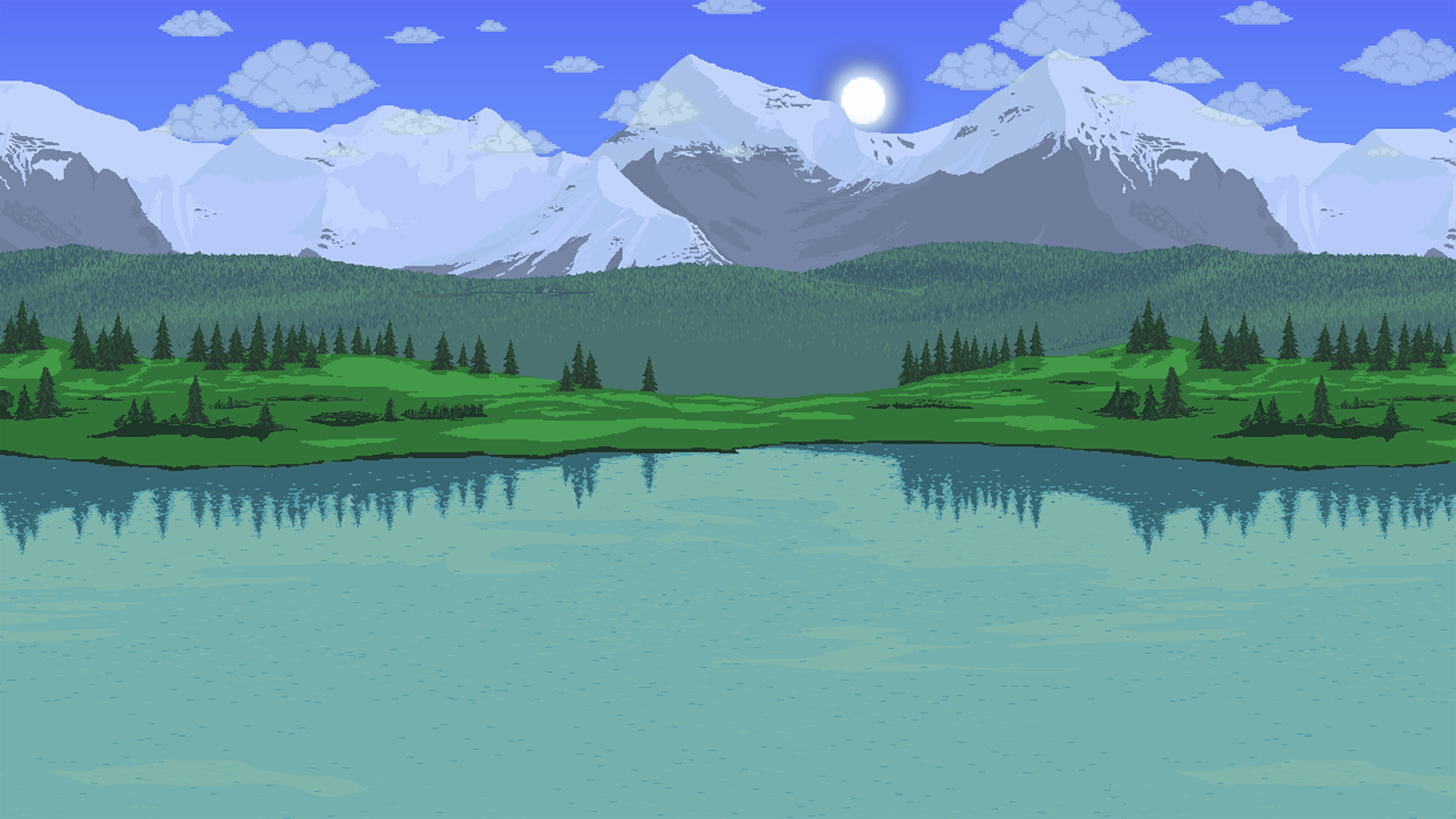
Terraria modded game scene with tModLoader - showing enhanced gameplay with custom mods

Transform Your
Terraria Experience

The official modding platform for Terraria. Access 5,000+ mods, create your own with C#, and join millions of players worldwide.

Officially Supported
100% Safe & Secure
Forever Free
10M+
Total Downloads
5,000+
Available Mods
500K+
Active Players
4.9★
User Rating
Available for:
Windows
WHAT IS TMODLOADER?

The Ultimate Modding Platform for Terraria

tModLoader is an open-source, community-driven modification and expansion of the game Terraria. It allows you to download and play mods, create your own content, and share it with the world.

Whether you want new bosses, weapons, biomes, quality-of-life improvements, or complete game overhauls, tModLoader has something for everyone. It's 100% free and officially supported by Re-Logic. Check out our most popular mods or read the FAQ for more information.

Easy Installation

Simple setup process with automatic updates

Full C# API for Developers

Create anything from simple items to complete game overhauls

Massive Community

Join millions of players and thousands of mod creators
tModLoader Official Logo - Terraria Modding Platform

tModLoader

4.9 (95,000+ reviews)
Price FREE
Size ~150 MB
Requires Terraria (Base Game)
Multiplayer ✓ Supported
Download Now
Trending
WHY CHOOSE TMODLOADER?

Powerful Features for Everyone

Whether you're a player looking for new content or a developer creating the next big mod, tModLoader has everything you need.

Easy Mod Management

Browse and install thousands of mods with our built-in mod browser. Simple and intuitive interface.

  • Built-in mod browser
  • One-click installation
  • Automatic updates

Full C# API

Create powerful mods using C# with complete access to game systems. Hot reload for rapid development.

  • Modern C# support
  • Hot reload testing
  • Extensive documentation

Multiplayer Ready

Play mods with friends! Host servers or join others with full mod synchronization support.

  • Server/client mod sync
  • Dedicated server support
  • Cross-platform play

Windows Compatible

Optimized for Windows operating systems. Play modded Terraria on Windows 7, 8, 10, and 11.

  • Windows 7/8/10/11
  • 64-bit support
  • Full compatibility

Smart Dependencies

Automatic dependency resolution ensures all required mods are installed and compatible.

  • Auto-install dependencies
  • Version compatibility
  • Conflict detection

Safe & Secure

Officially supported by Re-Logic. Community-reviewed and verified mods.

  • Official Re-Logic support
  • Open-source platform
  • Community moderation
BEFORE YOU START

System Requirements

Make sure your system meets these requirements for the best experience.

Minimum

Basic gameplay

  • RAM: 4 GB
  • Storage: 1 GB available
  • Terraria: Required (base game)

Recommended

Large mod packs

  • RAM: 8 GB or more
  • Storage: SSD with 5 GB+
  • CPU: Modern quad-core
  • GPU: Dedicated graphics

Important Note

Large mod packs like Calamity + Thorium together may require 16GB+ RAM. Consider enabling tModLoader's "Reload Required" setting to reduce memory usage.

GET STARTED IN MINUTES

Quick Start Guide

Follow these simple steps to start playing with mods today.

1

Download tModLoader

Download the latest version from our website. It's completely free and safe!

Go to Download
2

Launch tModLoader

Launch tModLoader from your desktop or start menu. It runs alongside vanilla Terraria.

First launch may take longer
3

Browse & Download Mods

Click "Mod Browser" in the main menu to browse and download the mods you want.

Try Magic Storage first!
4

Enable & Play!

Go to "Mods" menu, enable your downloaded mods, reload, and start a new world!

You're ready to play!

Watch Video Tutorial

Need More Help?

Check out our detailed guides and video tutorials for step-by-step instructions.

FOR DEVELOPERS

Create Your Own Mods

tModLoader provides a powerful C# API that lets you create anything from simple items to complete game overhauls. Whether you're a beginner or experienced developer, we have resources to help you get started.

Hot Reload

Test changes instantly without restarting

Full Documentation

Comprehensive API docs and examples

Debug Tools

Built-in logging and error handling

Easy Publishing

Share your mods with the community

MyFirstSword.cs

using Terraria;
using Terraria.ModLoader;

public class MyFirstSword : ModItem
{
    public override void SetDefaults()
    {
        Item.damage = 50;
        Item.DamageType = DamageClass.Melee;
        Item.width = 40;
        Item.height = 40;
        Item.useTime = 20;
        Item.useAnimation = 20;
        Item.useStyle = ItemUseStyleID.Swing;
        Item.knockBack = 6;
        Item.rare = ItemRarityID.Green;
    }
}
                    
LEARN & CREATE

Documentation & Resources

Everything you need to get started with tModLoader - from basic usage to advanced mod development.

1. Install tModLoader

Download and install tModLoader from our download section. Make sure you have Terraria installed first.

# Windows
1. Download installer
2. Run setup.exe
3. Follow installation wizard

2. Browse Mods

Use the built-in Mod Browser to find and download mods. Sort by popularity or search for specific mods.

Open tModLoader
Click "Mod Browser"
Download your favorite mods

3. Enable Mods

Go to the Mods menu, enable your downloaded mods, and reload the game to apply changes.

⚠️ Important:

Always create a backup of your worlds before enabling new mods!

4. Start Playing

Create a new world or load an existing one. Mods will be automatically loaded with your character.

Single Player Multiplayer Ready

Custom Weapon Item

C#
using Terraria;
using Terraria.ID;
using Terraria.ModLoader;

public class ExampleSword : ModItem
{
    public override void SetDefaults()
    {
        Item.damage = 25;
        Item.DamageType = DamageClass.Melee;
        Item.width = 40;
        Item.height = 40;
        Item.useTime = 20;
        Item.useAnimation = 20;
        Item.useStyle = ItemUseStyleID.Swing;
        Item.knockBack = 5;
        Item.value = 10000;
        Item.rare = ItemRarityID.Blue;
        Item.autoReuse = true;
    }
}

Custom NPC

C#
using Terraria;
using Terraria.ModLoader;

public class CustomNPC : ModNPC
{
    public override void SetDefaults()
    {
        NPC.width = 32;
        NPC.height = 32;
        NPC.damage = 15;
        NPC.defense = 10;
        NPC.lifeMax = 100;
        NPC.HitSound = SoundID.NPCHit1;
        NPC.DeathSound = SoundID.NPCDeath1;
        NPC.value = 500f;
        NPC.knockBackResist = 0.5f;
        NPC.aiStyle = 3; // Fighter AI
    }
}

Custom Projectile

C#
using Terraria;
using Terraria.ModLoader;

public class ExampleProjectile : ModProjectile
{
    public override void SetDefaults()
    {
        Projectile.width = 16;
        Projectile.height = 16;
        Projectile.friendly = true;
        Projectile.penetrate = 3;
        Projectile.timeLeft = 600;
    }
    
    public override void AI()
    {
        Projectile.rotation += 0.1f;
    }
}

Add Custom Recipe

C#
using Terraria;
using Terraria.ID;
using Terraria.ModLoader;

public override void AddRecipes()
{
    Recipe recipe = CreateRecipe();
    recipe.AddIngredient(ItemID.DirtBlock, 10);
    recipe.AddIngredient(ItemID.Wood, 5);
    recipe.AddTile(TileID.WorkBenches);
    recipe.Register();
}

Pro Tips

  • • Use ModContent.ItemType<YourItem>() to reference your custom items
  • • Override SetStaticDefaults() for localization and tooltips
  • • Use hot reload to test changes without restarting
  • • Check the official wiki for detailed documentation

ModItem

Create custom items, weapons, and accessories

• SetDefaults() • UseItem() • OnHitNPC()

ModNPC

Design custom enemies and bosses

• SetDefaults() • AI() • NPCLoot()

ModProjectile

Create projectiles and particles

• SetDefaults() • AI() • OnHitNPC()

ModTile

Add custom tiles and furniture

• SetDefaults() • RightClick() • Drop()

ModBuff

Design buffs and debuffs

• SetDefaults() • Update() • ModifyBuffTip()

ModPlayer

Add player functionality

• PreUpdate() • PostUpdate() • OnHitNPC()
1

Set Up Development Environment

Install the necessary tools to start creating mods.

Required Tools

  • • Visual Studio or VS Code
  • • .NET SDK 6.0+
  • • tModLoader installed
  • • Git (optional but recommended)

Folder Structure

MyMod/
├── build.txt
├── description.txt
├── icon.png
└── Items/
    └── MyItem.cs
2

Create Your First Mod

Start with a simple mod to understand the basics.

build.txt Configuration
displayName = My First Mod
author = YourName
version = 1.0
homepage = https://github.com/yourname/myfirstmod
3

Build & Test

Compile your mod and test it in-game.

Build Your Mod

Use tModLoader's built-in build tool:

tModLoader > Mod Sources > Build

Test In-Game

Enable and reload your mod:

Mods > Enable > Reload Mods
4

Publish Your Mod

Share your creation with the community!

Publish to Mod Browser

Use the in-game publishing tool

Share on GitHub

Open source your mod

In-Game Commands

/help Display all available commands
/mods List all enabled mods
/reload Hot reload mods without restart
/item [name] Spawn item by name

Development Commands

/debugmode Toggle debug information display
/clear Clear console/chat
/log Open log file location
/modinfo Display detailed mod information

Useful Keybinds

F10 Toggle FPS
F11 Toggle Fullscreen
F5 Quick Reload
Ctrl+H Toggle UI
F9 Screenshot
Ctrl+R Reload Mods

Important Notes

  • • Some commands require developer mode enabled
  • • Keybinds can be customized in Settings > Controls
  • • Check mod-specific commands in each mod's description
  • • Use /help [command] for detailed command info
SEE THE DIFFERENCE

Vanilla vs Modded

See how tModLoader transforms your Terraria experience.

Vanilla Terraria

  • 17 bosses total
  • ~5,000 items
  • 4 playable classes
  • Limited post-Moon Lord content
  • Basic storage system
  • Fixed gameplay mechanics
RECOMMENDED

With tModLoader

  • 100+ bosses (with mods)
  • 50,000+ items available
  • 10+ classes (Bard, Healer, etc.)
  • Endless endgame content
  • Magic Storage system
  • Customizable everything
GOT QUESTIONS?

Frequently Asked Questions

Find answers to the most common questions about tModLoader.

Yes! tModLoader is 100% free to download and use. There are no hidden fees, subscriptions, or in-app purchases. It's open-source and supported by the community.

Yes, tModLoader requires the base Terraria game installed on your computer. tModLoader is a free standalone modding platform for Terraria.

Yes! Multiplayer works great with tModLoader. All players need to have the same mods installed. The host's mod configuration is automatically synced to joining players.

tModLoader uses separate save folders from vanilla Terraria, so your vanilla characters and worlds are completely safe. You can switch between vanilla and modded anytime.

Mods available through tModLoader's Mod Browser are community-created and reviewed. We recommend sticking to popular, well-rated mods and reading reviews before downloading. Always download mods from the official Mod Browser within tModLoader.

tModLoader checks for mod updates when you launch the game. You can update mods directly from the Mod Browser interface with just a few clicks.

Large mods can be resource-intensive. Try: reducing the number of mods, increasing your RAM allocation, using an SSD, closing background programs, or lowering in-game graphics settings. Some mods like "Faster Load" can help.

GET IT NOW

Download tModLoader

Choose your platform and start modding Terraria today. All downloads are free and safe.

Windows

Windows 7/8/10/11

Download tModLoader

Version 2024.12 • ~150 MB

Installation Instructions

  1. Make sure you have Terraria installed on your Windows computer
  2. Download the Windows installer from the button above
  3. Run the setup.exe file and follow the installation wizard
  4. Launch tModLoader from your desktop or start menu
  5. Use the built-in Mod Browser to download and install mods

Need help? Check out our Quick Start Guide or visit our Discord

Looking for older versions or source code?

Visit GitHub Releases

Ready to Transform Terraria?

Join millions of players experiencing Terraria like never before. Download tModLoader free today and discover endless possibilities.

10M+ Downloads
4.9 Rating
95K+ Reviews